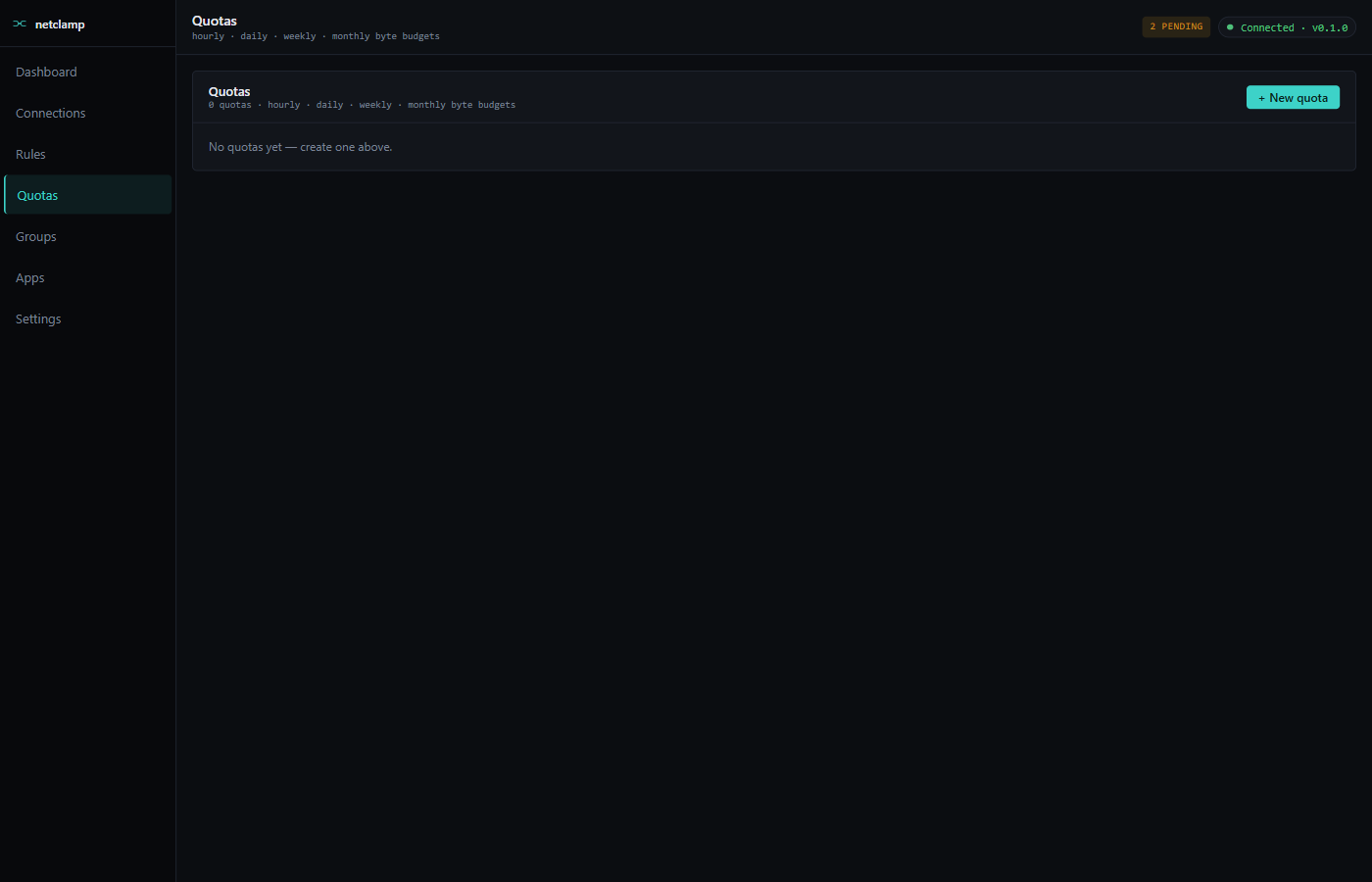
Quotas
Quotas are cumulative byte budgets attached to an app. They fire an
SSE alert when busted and (optionally) flip a paired rule from
ALLOW to RATE_LIMIT to clamp the offender.
When to use a quota vs a rule
-
Rule — "Cap Firefox at 500 KB/s, always."
-
Quota — "Spotify gets 2 GB per day; clamp it after that."
Quotas are about total volume over a window. Rules are about instantaneous throughput.
Anatomy of a quota
Name |
Free-text. Same role as on rules. |
App |
Same match-target options as rules (path / file / service / Store app). |
Window |
|
Budget |
Bytes (rendered as MB / GB in the picker). |
Direction |
|
Throttle |
Optional. Paired rate-limit applied when the quota is exceeded. |
Reset |
Manual reset button — zeroes the counter without waiting for the window to roll. |
Window roll semantics
-
Hourly — resets on the hour boundary (
:00). -
Daily — resets at local midnight.
-
Weekly — resets Monday 00:00 local time.
-
Monthly — resets on the 1st of the month at 00:00 local.
If the service restarts mid-window, the counter is restored from disk (SQLite-backed) — quotas do NOT reset on reboot.
Throttle siblings
If you set a Throttle on a quota, NetClamp synthesises a sibling
RATE_LIMIT rule when the quota is exceeded. The sibling has:
-
Same match target as the quota
-
Action
RATE_LIMITat the throttle rate -
Priority 90 (one notch higher than default 100)
-
A
quota_idtag pointing back to the parent quota
When the window rolls and the quota resets, the sibling is auto-removed.
These siblings don’t count against the credit-based managed-entities cap — they’re plumbing, not user state.
Alerts
Every quota busts an SSE alert at /api/v1/events. The tray binary
subscribes and renders a Windows balloon notification:
NetClamp — Spotify exceeded daily quota (2.0 GB).
The notification dedupes for 15 minutes so a chatty app doesn’t spam you. You can mute alerts entirely on the tray flyout.
Visualisation
Each quota row shows a progress bar of used / budget. The bar turns:
-
Green below 50%
-
Yellow 50–90%
-
Red above 90%
Hovering the row shows the reset countdown.